History's greatest paintings on your lockscreen
Get a new masterpiece every morning.
Install in 2 mins — no app required.
Open on iPhone
Visit lockscreen.art on your iPhone to install in ~2 mins.
9:41
Monday, January 13
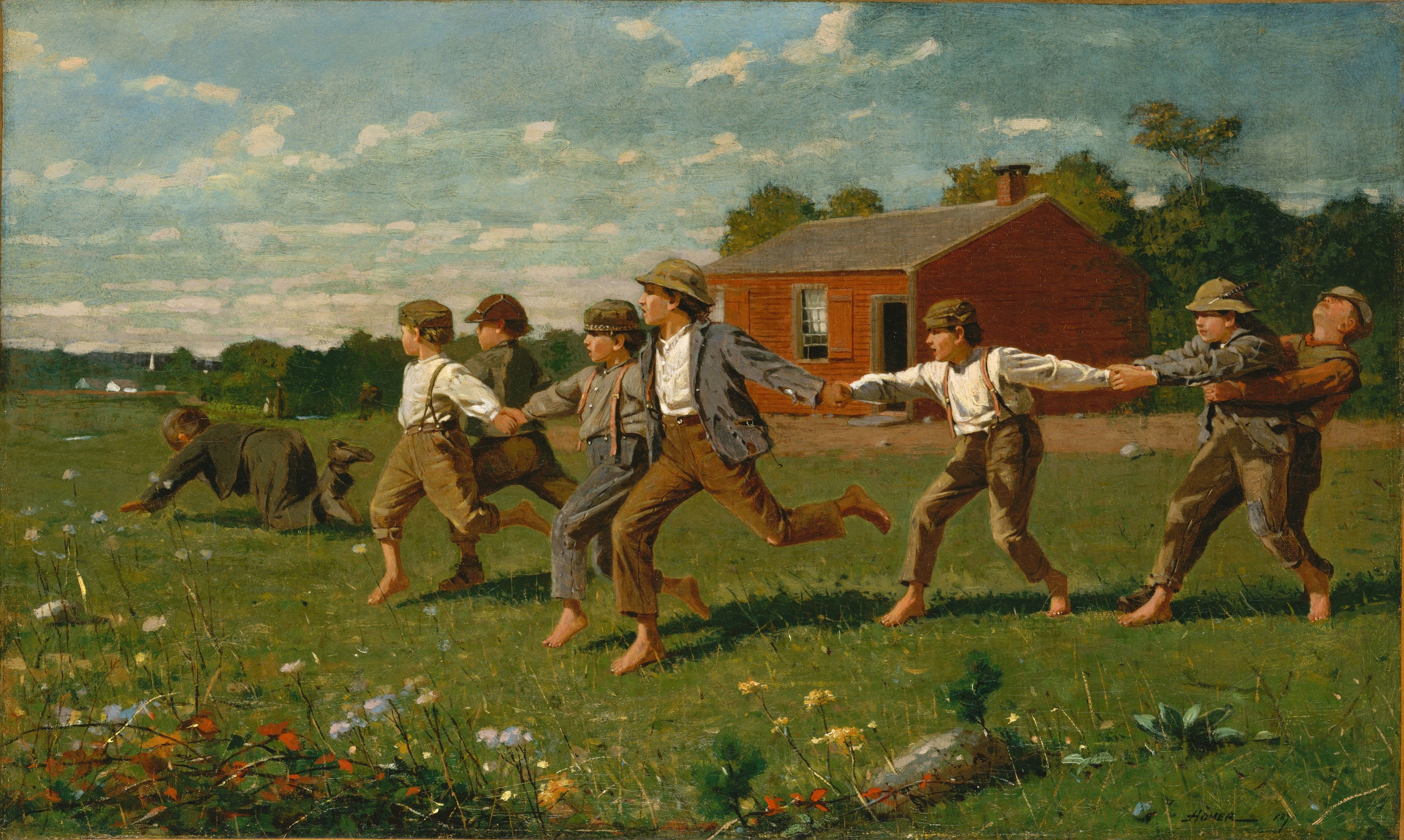
Snap the Whip
Winslow Homer
How to Install
1
Add the Shortcut
Tap the button below to add the shortcut to your iPhone.
Get Shortcut2
Run the Shortcut
Open Shortcuts app → Tap "Lockscreen.art | Set Daily Painting" → Tap Allow twice when prompted → Verify your wallpaper has changed
3
Set Up Daily Automation
Open Shortcuts app → Automation tab → New Automation → Time of Day → When Sunrise → Repeat Daily → Run Immediately → Search and select "Lockscreen.art | Set Daily Painting" → Done
That's it! Your lock screen will now update with a new painting every day.